Smart Lock Installation in Ventura County
Professional smart lock installation across Ventura County with proper door prep, app configuration, and the kind of setup advice you won't get from a YouTube tutorial. Door assessment, WiFi signal check, the right lock matched to your situation, and everything tested before we pack up.
 Call (805) 765-3717
 Text for Quote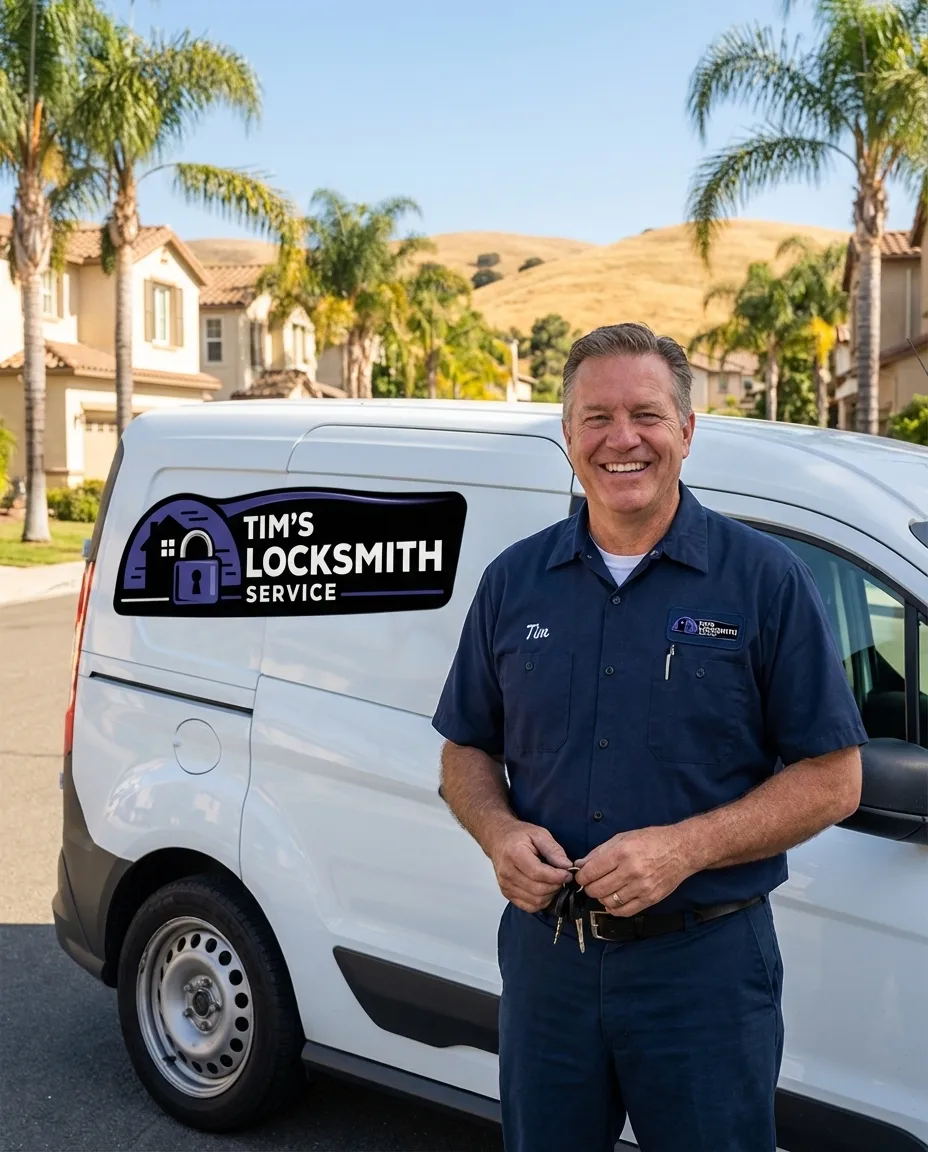
Professional Lock Installation
Most smart lock problems start before the lock even goes on the door.
Wrong backset measurement, a WiFi signal that barely reaches the front door, a motor that binds because the door is slightly warped, these are the things that turn a "15-minute DIY install" into a weekend project and a support ticket. We see it every week: smart locks mounted crooked, apps that never connected, backup keys that were never tested, and batteries draining in two weeks because the bolt is fighting the strike plate on every cycle.
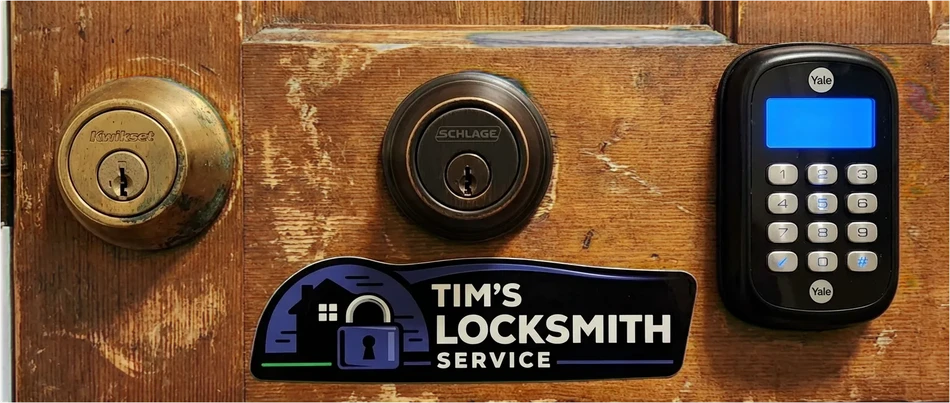
Brands We Install and Fit for Your Home
We install smart locks from Schlage, Yale, August, Kwikset, Level, Lockly, and Ultraloq. Keypad, touchscreen, fingerprint, Bluetooth, WiFi, and retrofit models. We help you choose the right lock for your door type, your smart home ecosystem, and your actual daily routine, not just the one with the best Amazon reviews. Whether you live in a 1970s ranch in Simi Valley, a stucco home near the Oxnard shore, or a Craftsman in Ventura with original door frames, we know the doors in this area and what works on them.
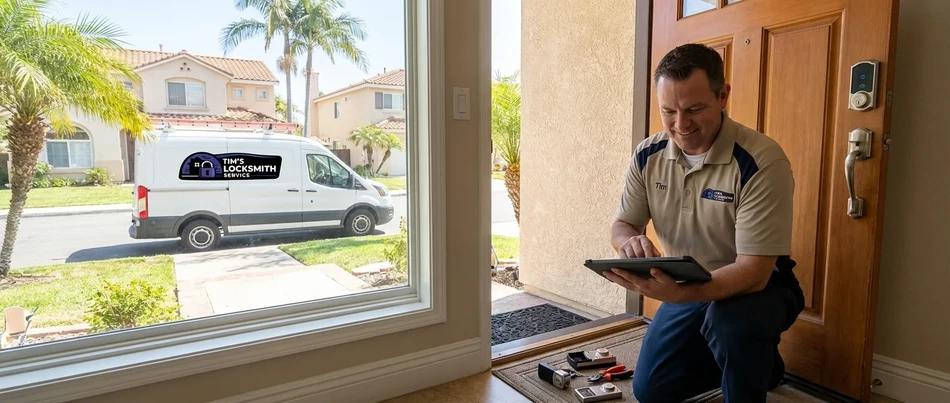
What's Included
Every smart lock installation visit in Ventura County covers backset verification and door prep, latch handing adjustment for correct door swing direction, and app download; the full checklist is below.
 Physical installation and mounting of the smart lock hardware
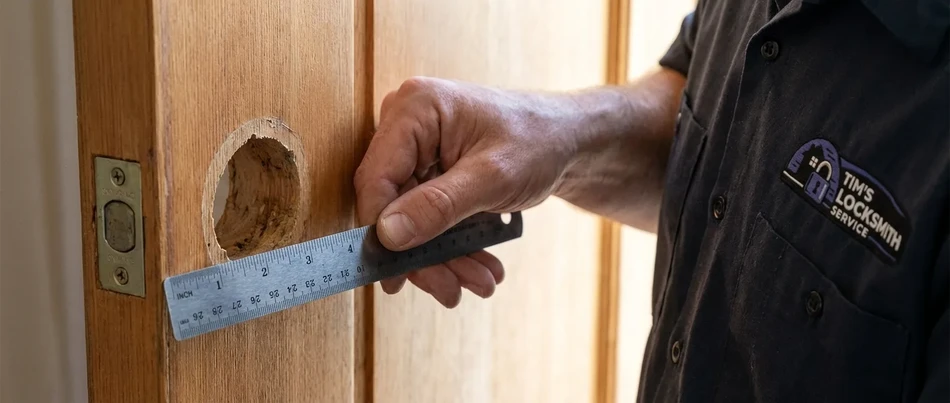
- Backset verification and door prep (2-3/8" or 2-3/4")
- Latch handing adjustment for correct door swing direction
- App download, account setup, and device pairing
- User code programming for all household members
- WiFi signal strength check at the door location
- Smart home integration (Alexa, Google Home, Apple HomeKit if supported)
- Backup key cylinder setup and testing
- Battery calibration and expected life briefing
- Full walkthrough of lock features, auto-lock, and guest codes
How It Works
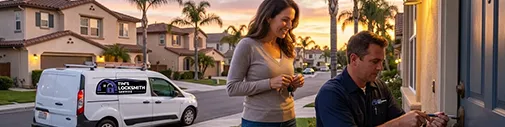
Getting smart lock installation done in Ventura County takes three steps: call or text us, we come to you, and installed and tested.

Call or Text Us
Reach out at (805) 765-3717 by phone or text. Tell us what lock you have (or what you are looking for) and we will give you an upfront quote. If you need help choosing a lock, we will walk you through the options before you buy.
We Come to You
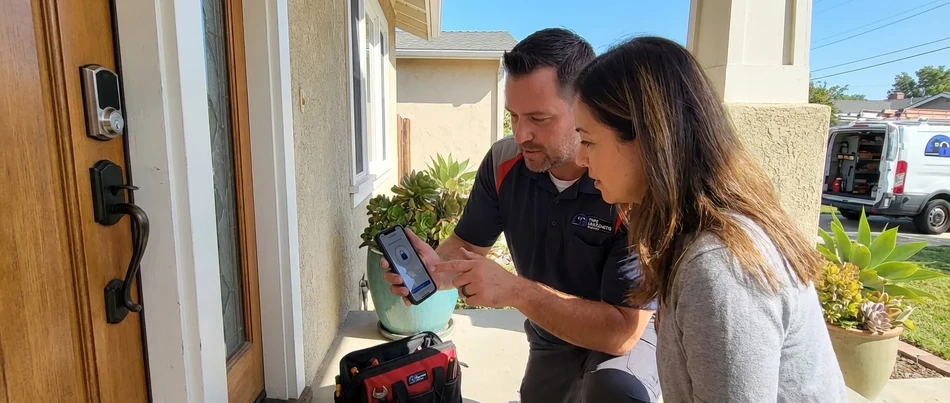
Our fully equipped mobile van heads to your location anywhere in Ventura County. We assess your door, check WiFi signal strength, verify the backset, and confirm compatibility before we start.
Installed and Tested
We mount the lock, configure the app, program your codes, integrate with your smart home system, test the backup key, and walk you through every feature. You will know exactly how your lock works before we leave.
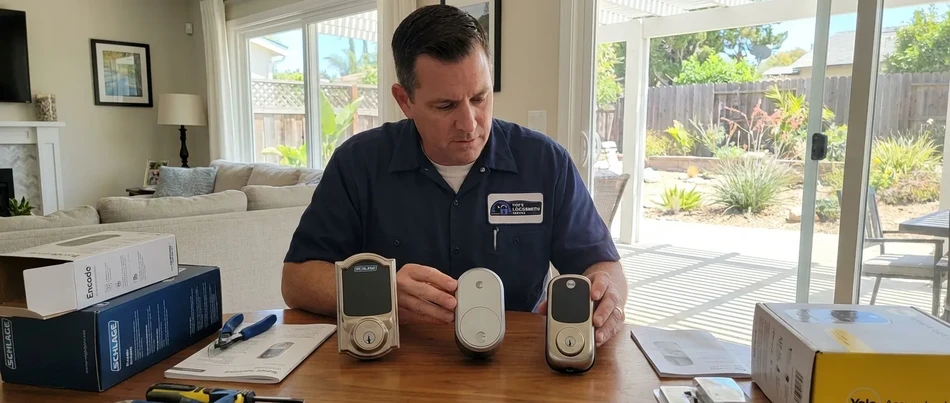
Which Smart Lock Is Right for You?
There are dozens of smart locks on the market and they are not all created equal. After installing hundreds of them across Ventura County, these are the five we recommend most often, and why.
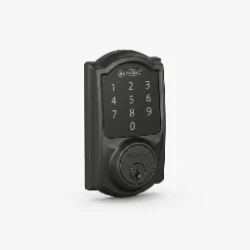
 Schlage Encode Plus
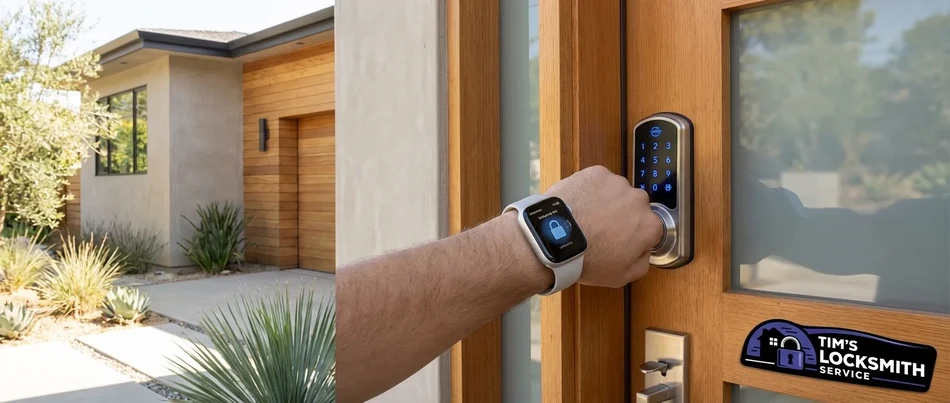
The Schlage Encode Plus is the lock we recommend most often. It connects directly to your WiFi (no hub or bridge needed), supports Apple Home Key for tap-to-unlock with an iPhone or Apple Watch, and carries a Grade 1 ANSI rating, the highest available. The build quality feels like a traditional Schlage deadbolt because it basically is one, just with a keypad and smart features added. The fingerprint-free touchscreen codes are a nice touch, and the Schlage Home app is one of the more reliable smart lock apps on the market. Battery life runs 6-8 months with typical use.
Best for: Apple HomeKit households, homeowners who want the highest security grade, and anyone who values reliability over gimmicks.
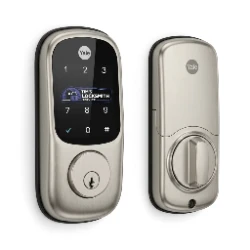
 Yale Assure Lock 2
The Yale Assure Lock 2 is the most versatile lock in this list. It comes in keypad, touchscreen, and key-free versions, and works with the August app for remote access, activity logs, and guest code management from your phone. The design is slim and modern, it does not look like a commercial keypad bolted to your door. Yale offers modules for WiFi, Bluetooth, Z-Wave, and Zigbee, so you can match it to whatever smart home system you already use. The key-free version eliminates the backup cylinder entirely, which some people love and some people hate. We usually recommend keeping a backup key option.
Best for: renters (key-free version), modern home aesthetics, and households using the August/Yale app ecosystem.
 August WiFi Smart Lock
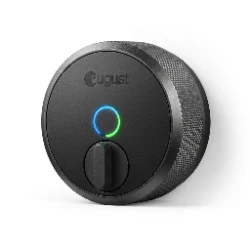
The August WiFi is a retrofit lock. It attaches to the inside of your existing deadbolt and motorizes it, so you keep your current exterior hardware and keys. From the outside, your door looks exactly the same. Inside, you get app control, auto-lock, auto-unlock (based on your phone location), and guest access. Installation is the fastest of any smart lock because there is no exterior hardware to swap. The downside is that the motor is smaller than a full smart lock deadbolt, so if your door has any alignment issues or a stiff bolt, the August will struggle and drain batteries quickly.
Best for: renters who cannot modify exterior hardware, homeowners who like their current lock appearance, and anyone who wants the simplest possible installation.
 Level Lock
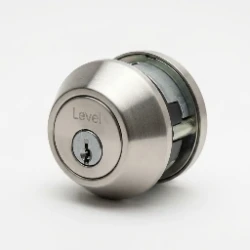
The Level Lock is invisible. It replaces the deadbolt cylinder inside your existing lock, and from the outside, your door looks completely unchanged, no keypad, no touchscreen, no visible technology. You unlock with your phone (Bluetooth or Apple Home Key), a physical key, or a key card that looks like a credit card. It is the only smart lock on this list that requires zero visual compromise. The tradeoff is no keypad and no WiFi, it is Bluetooth and Apple Home Key only. If you want remote access, you need an Apple TV or HomePod as a hub.
Best for: design-conscious homeowners, historic homes where a keypad would look out of place, and Apple ecosystem users.
 Kwikset Halo
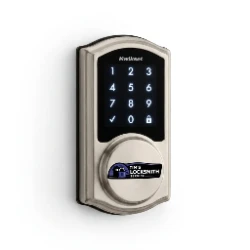
The Kwikset Halo is a solid mid-range option with built-in WiFi, a touchscreen keypad, and SmartKey Security (which lets you rekey the lock yourself in seconds without removing it from the door). It works with the Kwikset app for remote access and integrates with Alexa and Google Home. The Halo uses Kwikset's standard residential form factor, so it fits doors that already have Kwikset hardware without any modifications. Battery life is average at 4-6 months. The app is functional but not as polished as Schlage or August. It is a good value lock that does everything most homeowners need without breaking the budget.
Best for: budget-conscious buyers, homes with existing Kwikset hardware, and anyone who wants WiFi connectivity without paying Grade 1 pricing.
Types of Smart Lock Installation
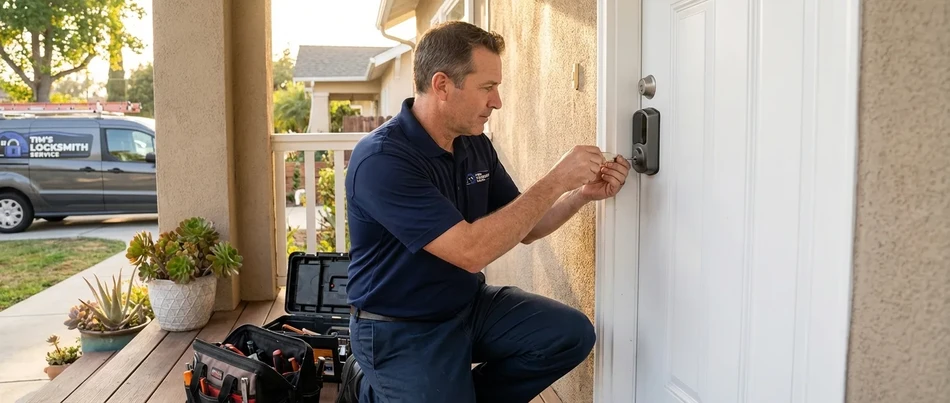
Work on smart lock installation in Ventura County usually falls into a few categories, including keypad smart lock installation, touchscreen smart lock installation, and fingerprint smart lock installation.
-
 Keypad Smart Lock Installation
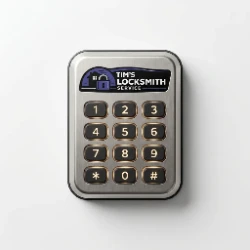
Keypad smart locks use a physical or touchscreen number pad for entry. You program a 4-8 digit code, punch it in, and the lock opens. No phone required, no app needed for basic operation. Keypads are the most reliable smart lock style because they work even when your phone is dead, your WiFi is down, or your Bluetooth is acting up. We install keypad locks from Schlage, Kwikset, Yale, and others. Every installation includes code programming for all household members, auto-lock configuration, and backup key testing.
-
 Touchscreen Smart Lock Installation
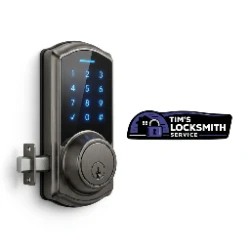
Touchscreen smart locks use a smooth glass or plastic panel instead of physical buttons. Codes are entered by touching numbers on the screen. The advantage over physical keypads is that touchscreens do not show wear patterns, with a physical keypad, the most-used buttons get shiny over time, giving away part of your code. Touchscreens also look cleaner and more modern. The downside is that touchscreens can be harder to use in rain, with gloves, or when the screen is covered in condensation. We install and configure touchscreen locks from Schlage, Yale, and Lockly.
-
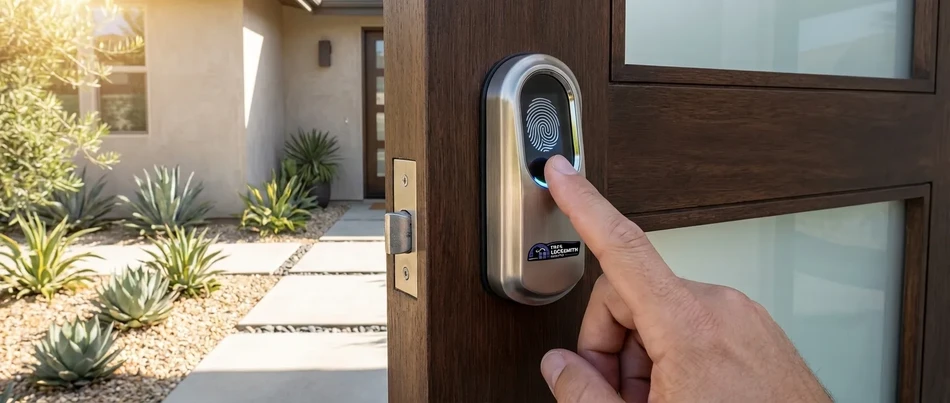
 Fingerprint Smart Lock Installation
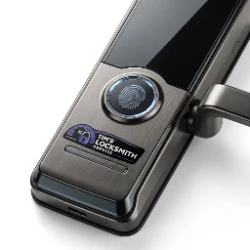
Fingerprint smart locks add biometric authentication to your door. You register your fingerprints in the app, and the lock opens when it reads a match. Most fingerprint locks also include a keypad as a backup method. The technology has improved significantly, modern readers work in under a second and handle wet or slightly dirty fingers better than earlier models. We install fingerprint locks from Ultraloq, Lockly, and Eufy, and we register all household fingerprints during installation so the lock is fully set up when we leave.
-
 Retrofit Smart Lock Installation
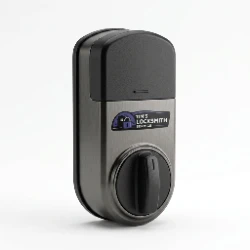
Retrofit smart locks attach to the inside of your existing deadbolt. They motorize the thumb turn so you can lock and unlock with your phone, but the exterior of your door stays unchanged. This is ideal for renters, homeowners who like their current hardware, or anyone who does not want a visible keypad on their door. The August WiFi Smart Lock and Level Lock are the two most popular retrofit options. We check your existing deadbolt compatibility, mount the retrofit unit, and configure the app. If your existing deadbolt is worn or misaligned, we fix that first so the motor does not fight the bolt on every cycle.
-
 WiFi Smart Lock Installation
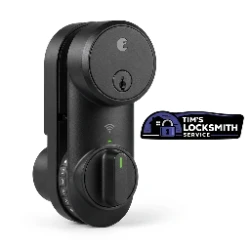
WiFi smart locks connect directly to your home router and give you remote access from anywhere, you can lock, unlock, check status, and manage guest codes from your phone whether you are home or across the country. WiFi locks do not require a separate hub or bridge. The tradeoff is higher battery consumption because maintaining a WiFi connection uses more power than Bluetooth. We check your WiFi signal strength at the door during installation. If the signal is weak, we will tell you before we install, because a WiFi lock with a bad signal is worse than a Bluetooth-only lock.
-
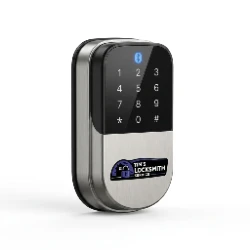 Bluetooth Smart Lock Installation
Bluetooth smart locks connect to your phone when you are within about 30 feet. They use less battery than WiFi locks but do not offer remote access unless you add a WiFi bridge or hub. Bluetooth locks are a good fit for homeowners who primarily want phone-based unlock at the door, auto-unlock when they walk up, and do not need to control the lock remotely. Battery life on Bluetooth-only locks is typically 8-12 months. We pair the lock to all household phones during installation and configure auto-unlock settings so the lock responds when you approach.
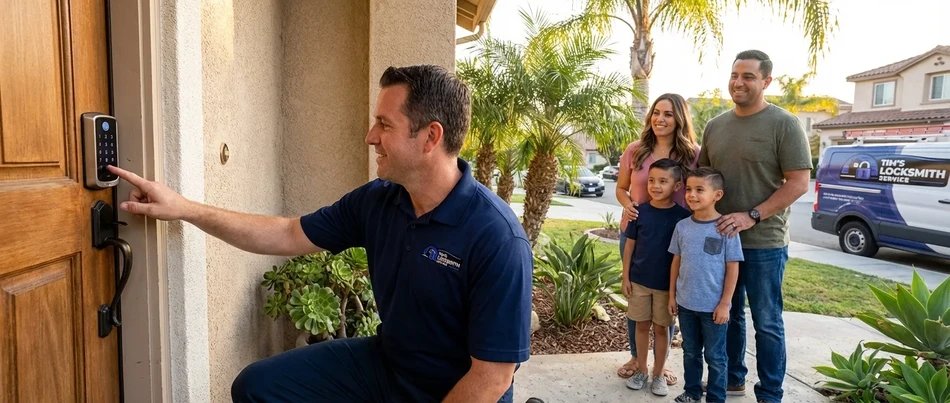
Smart Lock Brands We Install
For smart lock installation in Ventura County we install and service Schlage, Yale, and August, along with the other brands listed below.
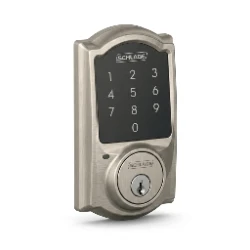
 Schlage
Schlage has been making locks since 1920 and their smart lock line carries that legacy forward. The Encode and Encode Plus are built on a Grade 1 commercial deadbolt platform with a smart keypad and WiFi added on top. They feel heavy, solid, and mechanically precise. Schlage smart locks support Apple HomeKit, Amazon Alexa, and Google Home. The Schlage Home app is clean and reliable. If a customer asks us "which one should I get?" without any other context, the answer is usually Schlage.
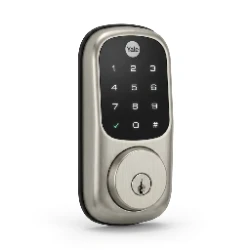
 Yale
Yale
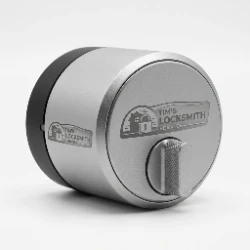
Yale partners with August for their smart lock platform, which means Yale hardware with August software. The Assure Lock 2 is their flagship, slim, modern, and available in multiple configurations (keypad, touchscreen, key-free). Yale offers interchangeable connectivity modules so you can switch between WiFi, Bluetooth, Z-Wave, or Zigbee without replacing the lock. Yale locks tend to look more refined than Schlage but are rated Grade 2 instead of Grade 1.
 August
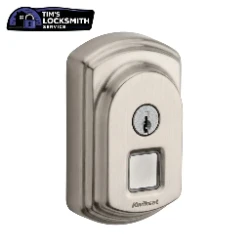
August pioneered the retrofit smart lock category. Their WiFi Smart Lock attaches to the inside of your existing deadbolt and adds app control, auto-lock, auto-unlock, and guest access without changing your exterior hardware. It is the best option for renters and for homeowners who do not want a visible keypad. August also makes the August WiFi Smart Lock Pro, which adds DoorSense (a sensor that tells you if the door is actually closed and latched). The August app is shared with Yale and is one of the better smart lock apps available.
 Kwikset
Kwikset is the most common residential lock brand in America, and their smart lock line includes the Halo (WiFi) and Aura (Bluetooth). The standout feature is SmartKey Security, which lets you rekey the lock in seconds without removing it from the door, just insert the current key, use the reset tool, insert the new key, and it is done. Kwikset smart locks are typically more affordable than Schlage or Yale and use a familiar form factor that fits most residential doors without modification.
 Level
Level
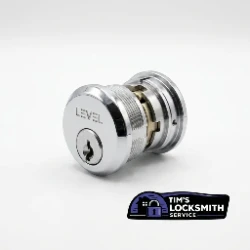
Level makes the most discreet smart lock on the market. The Level Lock replaces the deadbolt cylinder inside your existing hardware, leaving no visible technology on the outside of your door. It works with Apple Home Key, physical keys, and NFC key cards. There is no keypad, no touchscreen, and no visible electronics. It is Bluetooth-only (WiFi requires an Apple TV or HomePod hub). Level is the right choice for homeowners who want smart features without any change to their door's appearance.
 Lockly
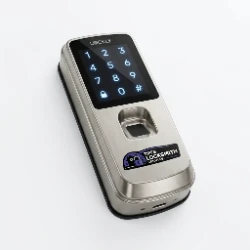
Lockly is known for their PIN Genie technology, which randomizes the number positions on the touchscreen every time you use it. This prevents code theft from someone watching over your shoulder or from wear patterns on the screen. Lockly also offers fingerprint models with a built-in reader that works in under a second. Their Secure Pro and Vision models include a built-in video doorbell camera. Lockly locks are feature-rich but tend to be bulkier than competing brands.
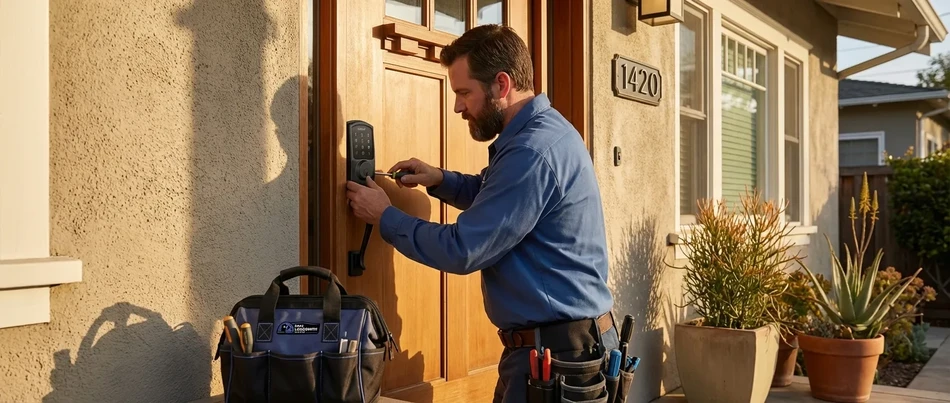
Smart Locks and Coastal Ventura County
If you live within a few miles of the coast in Oxnard, Ventura, Port Hueneme, or Channel Islands Beach, your smart lock faces challenges that inland homes do not deal with. Salt air, UV exposure, temperature swings, and humidity all affect electronic lock hardware differently than traditional mechanical locks. Here is what we see in the field and what we recommend.
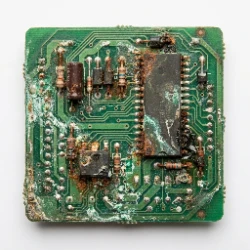
 Salt Air and Electronics
Salt air corrodes exposed metal contacts, battery terminals, and circuit board connections inside smart locks. We have pulled apart smart locks from coastal homes that failed after 18 months and found green corrosion on the internal PCB that would not be present on the same lock installed five miles inland. The exterior keypad or touchscreen may still look fine while the internals are deteriorating. For coastal installs, we recommend locks with sealed electronics and stainless steel or marine-grade exterior components. We also recommend checking battery terminals every 6 months and wiping them clean if you see any buildup.
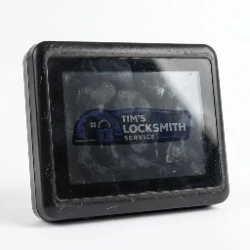
 UV and Touchscreens
South- and west-facing doors in Ventura County get direct sun for hours every day. UV exposure degrades touchscreen sensitivity over time and can cause the screen surface to become cloudy or unresponsive. Physical keypad buttons hold up better in direct sun than touchscreens. If your front door faces the afternoon sun, a keypad lock (Schlage Encode Plus, Kwikset Halo) is a more durable choice than a touchscreen model. If you prefer a touchscreen, look for one with UV-rated glass and consider adding a small overhang or awning to shade the lock.
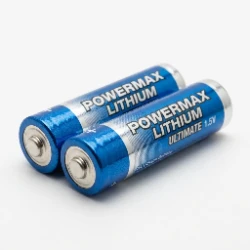
 Heat and Battery Life
Smart lock batteries are affected by temperature. On a hot summer day in Oxnard, the surface temperature of a sun-exposed door can exceed 130 degrees. Lithium batteries handle heat better than alkaline, but both lose capacity faster in sustained high temperatures. A lock rated for 12 months of battery life inland may only last 6-8 months on a sun-exposed coastal door. We calibrate battery expectations during installation and can set up low-battery notifications in the app so you are never caught off guard.
 Humidity and Condensation
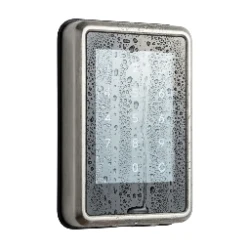
Morning marine fog and nighttime temperature drops create condensation on lock surfaces and inside lock housings. Over time, this moisture accelerates corrosion and can cause intermittent electrical issues, ghost notifications, phantom lock/unlock events, or keypads that register phantom presses. Locks with IP65 or higher ingress protection ratings handle coastal humidity best. We check the IP rating before recommending a lock for any home within two miles of the coast.
 What We Recommend for Coastal Installs
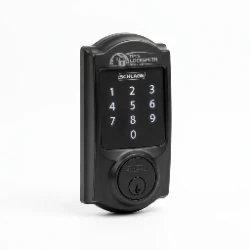
For coastal Ventura County homes, our top picks are the Schlage Encode Plus (sealed electronics, Grade 1 build, fingerprint-free touchscreen that handles moisture well) and the August WiFi Smart Lock (retrofit mount on the interior side of the door, completely shielded from weather). We avoid recommending locks with exposed fingerprint readers for doors that get direct weather exposure, the biometric sensor surface degrades faster than keypads in salt air. If you want a fingerprint lock on a coastal home, we recommend installing it on a covered or recessed entry where it is protected from direct exposure.
Smart Lock Pro Tips
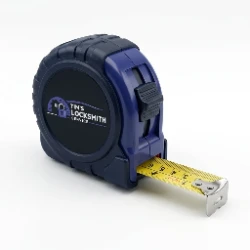
 Check Your Door Before You Shop
Before you buy a smart lock, measure your backset (the distance from the edge of the door to the center of the bore hole). It is either 2-3/8" or 2-3/4" on most residential doors.
Also measure your door thickness, most smart locks support 1-3/8" to 1-3/4" thick doors, but some older homes have non-standard door slabs. A five-minute measurement can save you a return trip to the store. If you are not sure, call us and we will help you figure it out over the phone.
 Battery Life Advertised vs Reality
Manufacturers advertise battery life based on 10 lock/unlock cycles per day in a temperature-controlled environment. Real-world use is different. If your household uses the lock 20-30 times a day, if the door has alignment issues that make the motor work harder, or if the lock is exposed to temperature extremes, expect battery life to be 40-60% of what the box says. WiFi locks drain faster than Bluetooth-only locks. We set realistic battery expectations during installation and show you how to check battery level in the app.
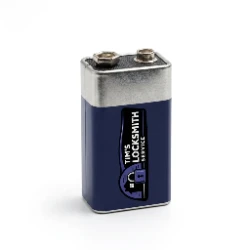
 9-Volt Backup
Most smart locks have a 9-volt battery jump terminal on the bottom of the exterior keypad. If your batteries die completely, you hold a 9V battery to the terminal contacts, and it provides enough temporary power to enter your code and open the door. Keep a 9V battery in your car, your wallet pouch, or your garage. We test this feature during every installation so you know exactly how it works before you need it.
 WiFi Signal Matters
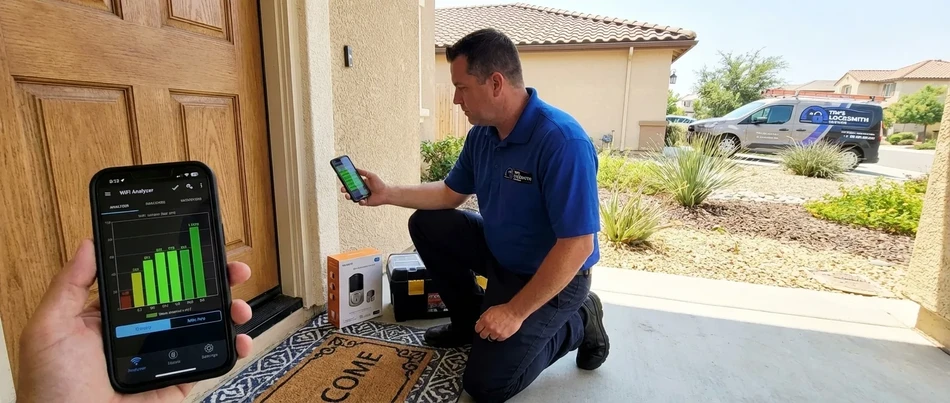
A WiFi smart lock that has a weak signal will drain batteries 2-3 times faster than normal because it constantly retries the connection. It will also be slow to respond to app commands, show as "offline" frequently, and miss activity log entries. Before we install any WiFi-connected lock, we check signal strength at the door. If your router is on the opposite end of the house and the signal at the front door is weak, we will tell you. Sometimes a WiFi extender or mesh node near the front door solves the problem. Sometimes a Bluetooth-only lock is the smarter choice.
 Auto-Lock Is the Real Security Upgrade
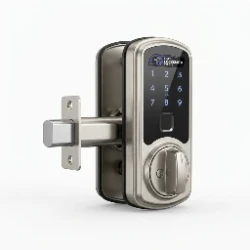
The biggest security benefit of a smart lock is not the keypad or the app, it is auto-lock. Most smart locks can be configured to automatically lock after 30 seconds, 1 minute, or 5 minutes. This means you never leave for work and wonder if you locked the door. You never have guests leave and forget to lock up. The door locks itself every single time. We configure auto-lock timing during installation based on your household routine and test it before we leave.
 Your Backup Key Cylinder Matters
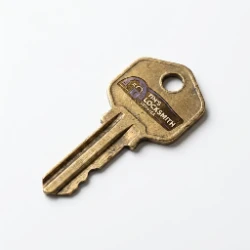
Most smart locks include a physical key cylinder as a backup. If the electronics fail, the batteries die, or the motor burns out, that key cylinder is your only way in without a locksmith. We always set up and test the backup key during installation. We cut spare backup keys for each household member and recommend keeping one in a secure location outside the home (a lockbox, a trusted neighbor, your car). A smart lock without a tested backup key is a lockout waiting to happen.
Smart Lock Security: Straight Talk
The number one question we get about smart locks is "can they be hacked?"
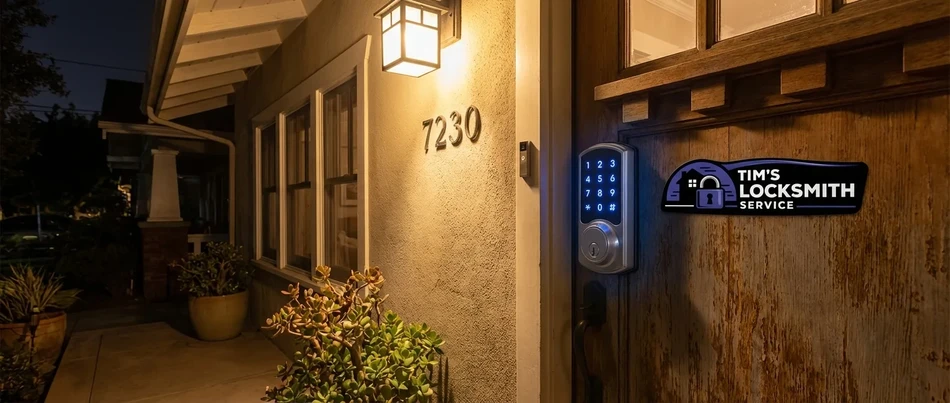
The short answer is: any networked device can theoretically be compromised, but a quality smart lock from a reputable brand with current firmware is significantly harder to break into electronically than it is to kick in the door next to it. The physical security of your door, frame, and strike plate is still the weakest link in most home security setups, not the lock electronics.
Modern smart locks use AES-128 or AES-256 encryption for wireless communication. This is the same encryption standard used by banks, government agencies, and military communications. Cracking AES-256 encryption with current technology would take longer than the age of the universe. The communication between your phone and the lock, between the lock and your WiFi router, and between the app and the cloud server is encrypted end-to-end on every reputable smart lock brand we install.
The real network security risk is not the lock itself, it is your home WiFi network. A smart lock on an unsecured WiFi network, a network with a weak password, or a network running outdated router firmware is more vulnerable than the lock hardware warrants. We recommend setting a strong WiFi password (not "password123"), keeping your router firmware updated, and using WPA3 encryption if your router supports it. Some homeowners put their smart home devices on a separate guest network, which adds another layer of isolation.
What happens during a power outage? Smart locks run on batteries, not house power. A power outage does not affect the lock at all, it will continue to work on its internal batteries. What you lose during a power outage is WiFi connectivity, so you will not be able to control the lock remotely or see activity logs until power is restored. The keypad, fingerprint reader, Bluetooth, and physical key all continue to work normally. This is one of the most common misconceptions about smart locks, and we clear it up during every installation.
What Does Smart Lock Installation Cost?
 Lower End
Basic smart lock installation on a door that already has a standard deadbolt prep. Retrofit locks (August, Level) or simple keypad deadbolt swaps where the existing bore hole and backset match the new lock. Includes physical install, app setup, and code programming.
 Mid-Range
Standard full smart lock installation with door assessment, backset verification, hardware swap, app configuration, smart home integration, backup key setup, and full walkthrough. This covers most installations where the door is in good condition and the lock is compatible.
 Higher End
Complex installations involving door prep (new bore hole, non-standard door thickness, mortise-to-cylindrical conversion), WiFi troubleshooting, multi-lock setups, or locks that require additional configuration (dual-user systems, commercial-grade smart deadbolts, custom auto-lock timing with multiple user profiles).
Lock hardware is separate. You can purchase your own lock and we will install it, or we can supply the hardware and add it to the invoice. If you are not sure which lock to buy, call us first, we will recommend the right one for your door and situation so you do not end up returning it.
Why Choose Us
Six reasons Ventura County customers call Tim's for smart lock installation work: Licensed and Insured, Smart Home Expertise, Same-Day Service, Upfront Pricing, Coastal Hardware Knowledge, and Every Major Brand.
Licensed and Insured
California BSIS licensed (LCO#7134) and insured through State Farm. Your home and your new smart lock are fully protected.

Smart Home Expertise
We do not just bolt the lock to the door. We configure the app, integrate with Alexa, Google Home, or HomeKit, program every code, and test every feature. You will know how to use your lock before we leave.

Same-Day Service
Call in the morning, we are at your door the same day. Most smart lock installations are completed in a single visit, typically under 90 minutes including setup and walkthrough.

Upfront Pricing
We tell you exactly what it costs before we start. No hourly rates, no surprise fees, no "we found something else" add-ons. The price we quote is the price you pay.

Coastal Hardware Knowledge
We know which smart locks hold up near the coast and which ones corrode in 18 months. If you live in Oxnard, Ventura, Port Hueneme, or anywhere near the water, we will steer you toward hardware that can handle it.

Every Major Brand
Schlage, Yale, August, Kwikset, Level, Lockly, Ultraloq, we install them all. We are not locked into one brand or one ecosystem. We recommend what is right for your situation, not what gives us the biggest margin.
What Our Customers Say
Here is what a few Ventura County customers said after we handled their smart lock installation.
"Tim installed a Schlage Encode Plus on our front door. He checked the WiFi signal, verified the backset, swapped the lock, set up the app on both our phones, programmed codes for the kids, and showed us how to set up temporary codes for guests. The whole thing took about an hour and he explained everything as he went. Our old deadbolt was stiff and hard to turn, the new smart lock is smooth and locks itself behind us every time. Should have done this years ago."
"We wanted a smart lock but did not want a keypad showing on the front door. Tim recommended the August WiFi retrofit lock and installed it in about 30 minutes. From the outside our door looks exactly the same, but now we can unlock with our phones, set auto-lock, and give guest access through the app. He also checked our WiFi signal at the door and it was strong enough. Very happy with the recommendation and the install."
"I had already bought a Yale Assure Lock 2 and tried to install it myself. The latch was binding and the app would not pair. Tim came out, adjusted the strike plate, fixed the door alignment, got the latch working smoothly, and paired the lock to my phone in about five minutes. He also set up auto-lock and programmed a guest code for my dog walker. The lock has worked perfectly every day since. I wish I had just called him first instead of spending three hours fighting with it."
Serving All of Ventura County
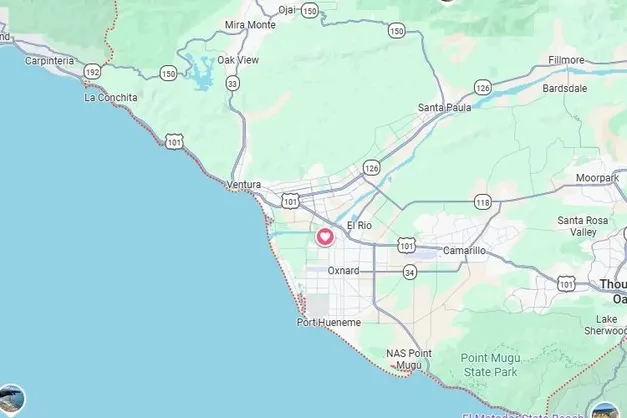
We bring smart lock installation to every city we cover in Ventura County, from Oxnard to Westlake Village.
Frequently Asked Questions
Related Residential Services
If you need more than smart lock installation, we also handle lock installation, lock repair, and lock replacement across Ventura County.
Lock Installation
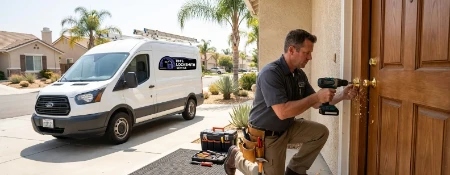
Professional lock installation for homes across Ventura County. Deadbolts, knob locks, smart locks, and more. We assess your door, install the hardware, align everything, and test every key before we leave.
View Service
Lock Repair
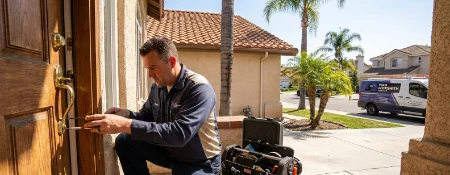
Lock not turning right? Deadbolt sticking? We diagnose and repair all types of residential locks on-site. Most repairs take under an hour, and we carry common replacement parts in the van so there is no second trip.
View Service
Lock Replacement
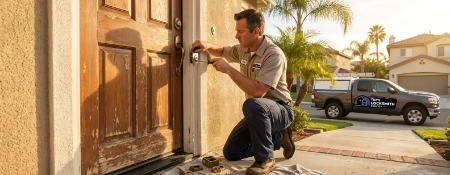
Old locks, damaged hardware, or a security upgrade. We remove your existing locks and install new ones with fresh keys. We work with every major brand and match the right lock grade to your door and security needs.
View Service
Lock Rekeying
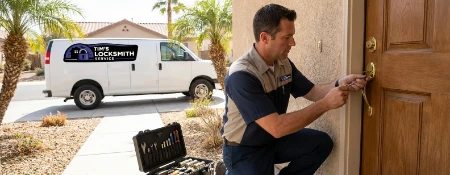
Just moved in? Lost a key? Rekeying changes your locks to work with a new key without replacing the hardware. Same lock, new key, old keys stop working immediately. Fast and affordable.
View Service
Mailbox Lock Services
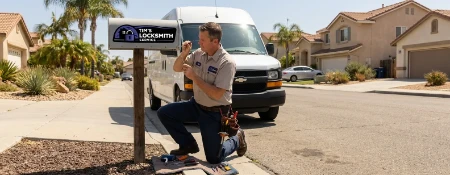
Mailbox lock broken or missing a key? We repair, replace, and rekey mailbox locks for residential mailboxes, cluster boxes, and community mailbox units. Protect your mail and packages with a working lock.
View Service
Explore Our Other Services
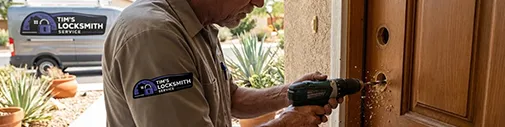
Residential Locksmith
Complete home locksmith services including lock installation, repair, rekeying, and smart lock setup, done at your door.
View Residential Services
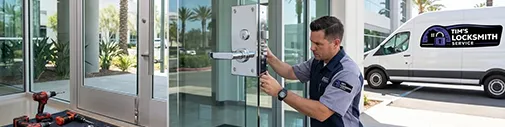
Commercial Locksmith
Business locksmith services including access control, master key systems, high-security locks, and panic hardware.
View Commercial Services
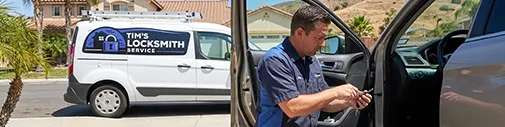
Automotive Locksmith
Car key cutting, programming, fob replacement, and ignition repair for most makes and models. We come to your vehicle.
View Automotive Services
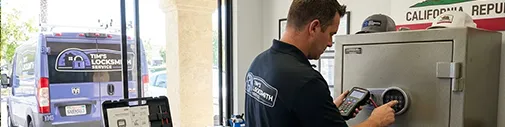
Safe Locksmith
Safe opening, combination changes, lock repair, and electronic safe programming for home and office safes. On-site service.
View Safe Services
Emergency Locksmith
Fast response for home, car, and business lockouts, break-in repairs, and urgent lock needs. We come to you, usually same day.
View Emergency Services
Need Smart Lock Installation Help?
Need a smart lock installed, configured, or troubleshot? Call now for a free estimate. We come to you anywhere in Ventura County.
 Open Daily
 Mobile service across Ventura County